
Loading
Prebuilt gaming PCs
Budget, mid and high tiers without fake SKUs: GPU model, PSU, warranty, and when DIY parts lists are the better call.
DIY parts lists insteadMatch a monitorGPU catalog
The buying rule
Verify the exact GPU and PSU before comparing price — a cheap tower with a mystery power supply is not a deal.
No invented prices or ASINs. Tier cards describe searchable product classes; Amazon buttons open UK search results. Example systems and price anchors above are from live vendor listings (NZXT, Dell/Alienware, HP, iBUYPOWER, Framework) checked against two independent sources on 2026-08-29 — they are budgeting anchors, not fixed quotes, and UK pricing varies. Cross-check every component line against the DIY build lists.
Amazon UK search links are provided for current availability; no affiliate programme is currently configured, and no live price is claimed here. Affiliate disclosure.
Checklist
The marketing photo is not the spec sheet.
Exact GPU model
Marketing says “RTX 50-series” — the listing must name the chip (e.g. RTX 5060 vs 5070 Ti). Mobile-suffixed parts belong in laptops, not towers.
PSU brand and wattage
A no-name 500W unit is a fire risk with a modern GPU. Look for 80+ Bronze or better from a recognisable brand with headroom above the card’s TDP.
RAM configuration
16GB is the floor for new gaming PCs in 2026; verify dual-channel and free slots for a later upgrade.
Storage type and size
A 512GB SATA boot drive is a false economy. Prefer 1TB NVMe unless you plan an immediate upgrade.
Warranty and support
OEM warranties vary on who pays return shipping and how long parts are covered. Read the terms before assuming “3-year” means the same everywhere.
Bloatware and Windows licence
Some prebuilts ship with trial antivirus and partition clutter. A clean Windows image or fresh install is often worth the afternoon.
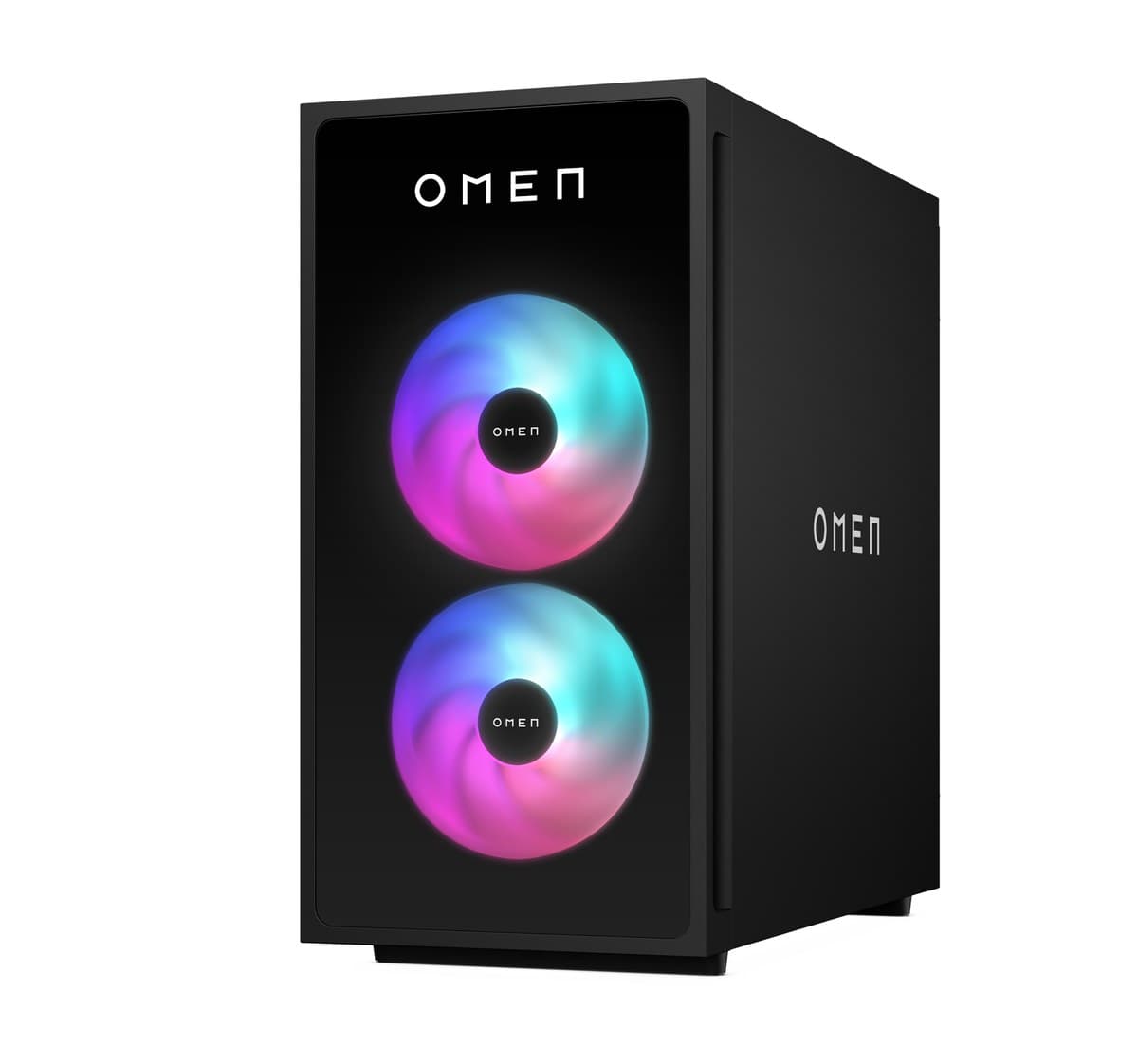
Budget tier
Entry towers marketed for 1080p esports and mainstream titles — often the fastest way to plug in and play if you accept upgrade limits. Verified 2026 examples pair an RTX 5060 8GB with a Ryzen 5 / Core i5 (e.g. NZXT Player One and Skytech RTX 5060 builds); UK street typically lands around £1,100–£1,400 at 2026 memory-crisis RAM prices — confirm the exact card, not the hero image.
Watch out
Budget prebuilts sometimes pair a weak PSU with a GPU that will be replaced in two years — plan the upgrade path or buy DIY parts instead.
| GPU class | RTX 5060 / RX 7600 class discrete GPU |
|---|---|
| CPU class | Ryzen 5 / Core i5 current or previous gen |
| RAM target | 16GB DDR5 (verify dual-channel) |
| Storage target | 1TB NVMe SSD |
| PSU watch-out | 550–650W from a named brand — reject mystery “gaming” PSUs |
| Warranty watch-out | 1-year parts-only is common — check labour and return shipping |
Best for
Tier notes reviewed August 29, 2026. Search links are product-class queries, not fixed SKUs.
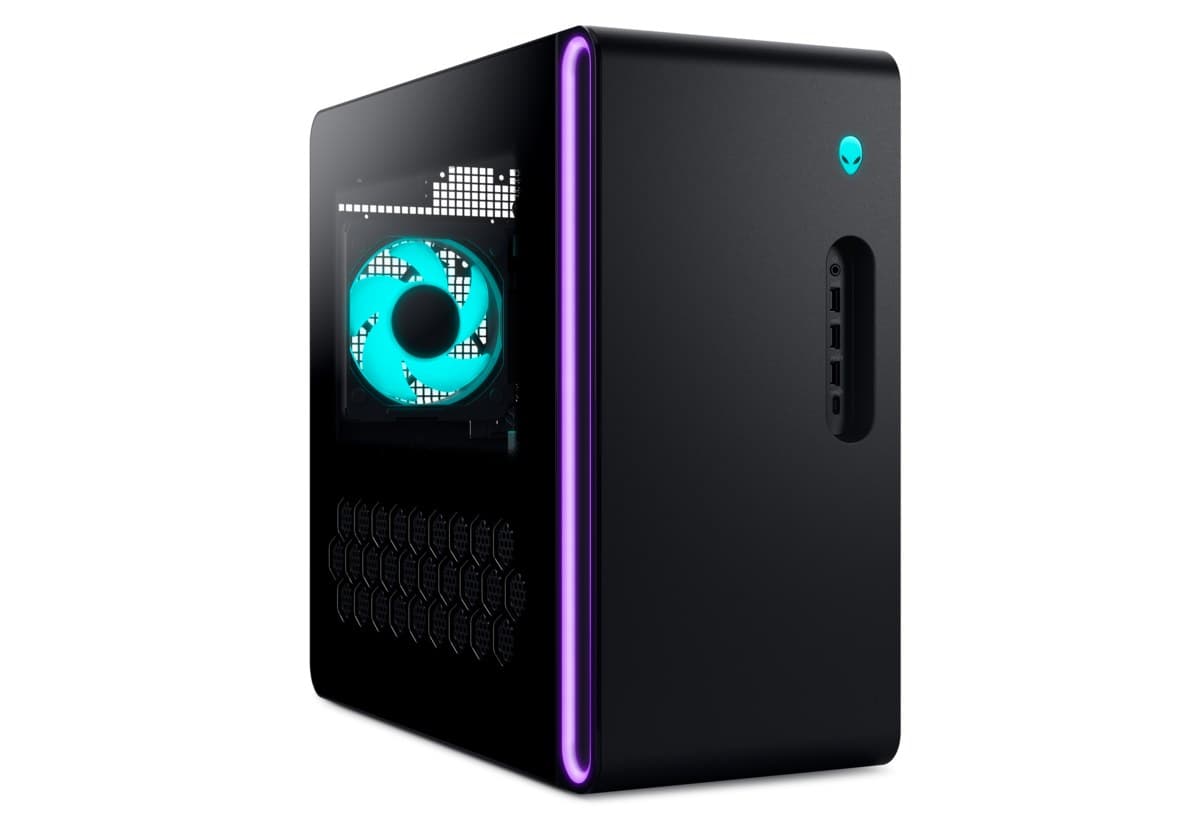
Mid-range tier
The volume market: 1440p marketing with GPUs that may or may not sustain high settings — read the exact card, not the hero image. Scan Performance-style RTX 5070 towers vary by configuration; verify the exact SKU rather than the hero image.
Watch out
“RTX 50-series” banners hide large performance gaps — a 5060, 5070, and 5070 Ti are not interchangeable at the same price.
| GPU class | RTX 5060 Ti / RTX 5070 / RX 9060 XT 16GB class discrete GPU |
|---|---|
| CPU class | Ryzen 7 / Core i7 with adequate cooling |
| RAM target | 32GB DDR5 preferred for streaming and modern titles |
| Storage target | 1–2TB NVMe SSD |
| PSU watch-out | 650–750W 80+ Gold preferred for headroom and efficiency |
| Warranty watch-out | Ask whether GPU or PSU failures require sending the whole tower |
Best for
Tier notes reviewed August 29, 2026. Search links are product-class queries, not fixed SKUs.
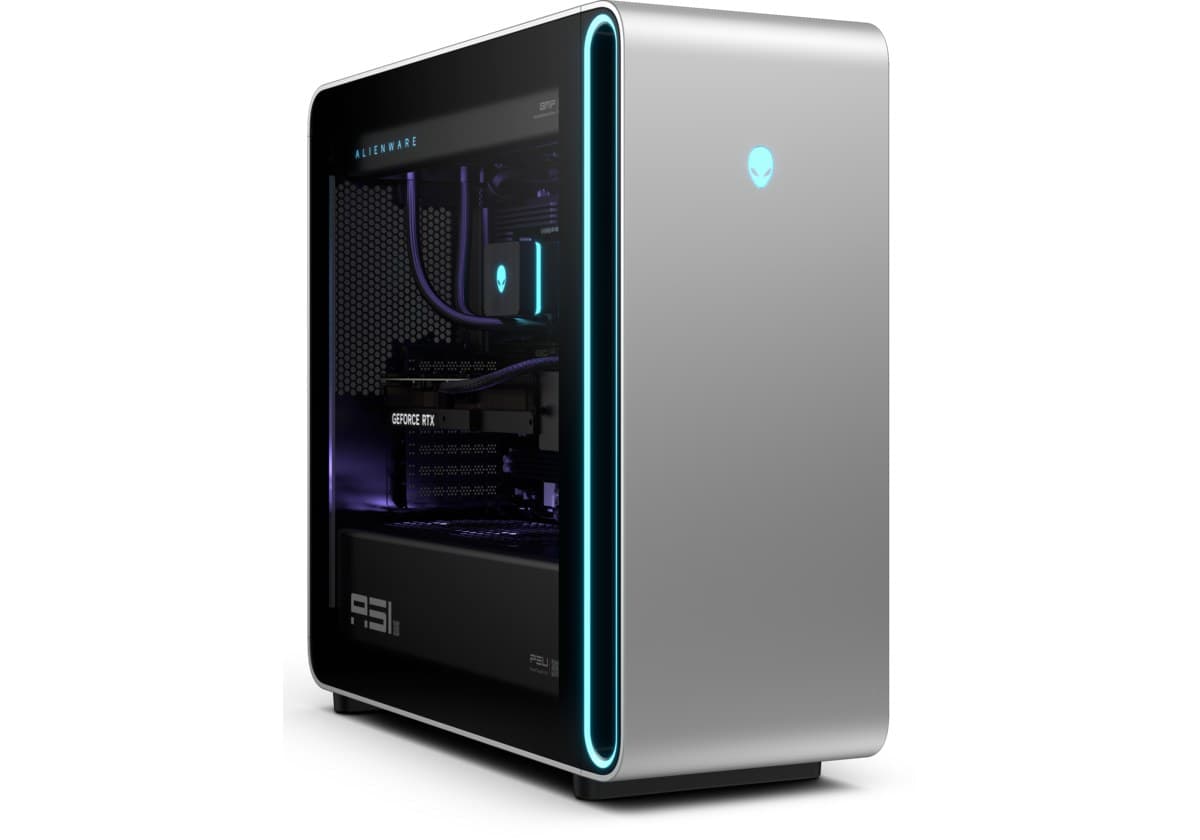
High-end tier
Flagship towers for 4K and ultrawide — premium pricing with the highest risk of imbalanced configs (weak CPU, loud cooling, proprietary parts). Verified 2026 RTX 50-series flagships (US listings, Aug 2026, two sources each): Alienware Aurora ACT1250 — RTX 5080, Core Ultra 9 285, 32GB, from ~$2,400; HP Omen 45L — RTX 5080, Core Ultra 7 265K, 32GB, ~$2,700–$3,200 (RTX 5090 config ~$3,670–$3,795); NZXT Player Three — RTX 5080, Ryzen 7 9800X3D, 32GB/4TB, ~$3,599–$3,799; NZXT Player Three Prime — RTX 5090, ~$6,999. Framework Desktop (Ryzen AI Max+ 395, up to 128GB unified memory) is the standout compact AI prebuilt at $1,959 (64GB) to $3,449 (128GB) — see the AI-PC guide. These are late-August 2026 snapshots: GPU street prices rose ~15% in the following month (TechPowerUp) and Framework's page no longer shows prices, so re-check every config before comparing.
Watch out
At this budget, DIY often saves money or buys a better GPU — compare against the high-end and no-compromise build lists before paying OEM markup. For mobile flagship AI/gaming, MSI Stealth A16 AI+ (HX 370 + RTX 5090 laptop) sits in the £4k-class UK — that is a laptop class, not a tower substitute. Scan Edge Ultra / Intel Ultra towers with 5070–5080 need live config checks; do not trust a fixed price sheet.
| GPU class | RTX 5070 Ti / 5080 / RX 9070 XT class GPU |
|---|---|
| CPU class | Ryzen 7 X3D or Core i7/i9 with robust cooling |
| RAM target | 32–64GB DDR5 for creators and heavy multitasking |
| Storage target | 2TB NVMe or larger |
| PSU watch-out | 750W+ 80+ Gold from Corsair, Seasonic, be quiet!, etc. |
| Warranty watch-out | Premium price should mean better support — verify on-site vs mail-in |
Best for
Tier notes reviewed August 29, 2026. Search links are product-class queries, not fixed SKUs.
Hub last reviewed August 29, 2026. No prices are quoted here — check current listings before ordering.
Common questions
Answered from the verified figures on this page rather than general guidance.
Keep exploring
DIY builds, monitors, and GPU fit charts cover the constraints prebuilts leave open.